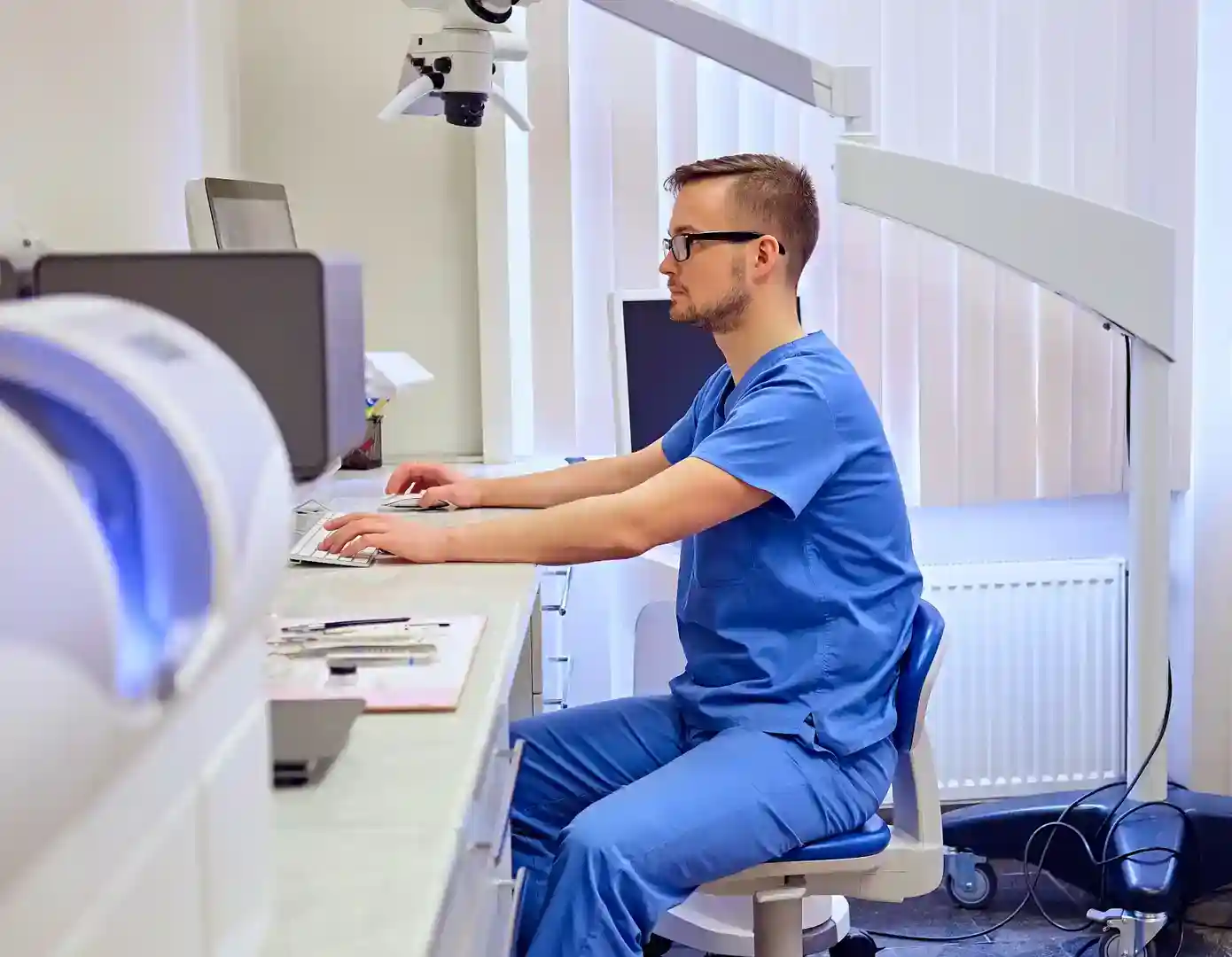
Digital intake forms: a step-by-step implementation guide
Why go digital with intake forms?
Paper intake forms have been a staple of healthcare for decades, but they come with well-known problems: illegible handwriting, data entry errors, lost paperwork, and the tedious process of manually transferring information into your EHR.
Digital intake forms solve all of these issues while also improving the patient experience. Here's how to implement them successfully.
Benefits at a glance
- Time savings: Patients complete forms before arriving, reducing wait times by 10–15 minutes
- Accuracy: Direct data capture eliminates transcription errors
- Compliance: Built-in validation ensures required fields are completed
- Storage: No more filing cabinets — everything is searchable and secure
- Patient satisfaction: 78% of patients prefer digital forms over paper (Phreesia, 2024)
Step 1: Audit your current forms
Before digitizing, review every form your practice uses:
- New patient registration
- Medical history questionnaire
- Insurance information
- Consent forms
- HIPAA acknowledgment
- Specialty-specific assessments
Identify redundancies and opportunities to consolidate. Many practices discover they're collecting the same information on multiple forms.
Step 2: Choose the right platform
Look for these essential features:
- Mobile-friendly design — patients should be able to complete forms on any device
- Conditional logic — show or hide questions based on previous answers
- E-signature support — for consent forms and agreements
- EHR integration — data should flow directly into patient records
- Multi-language support — serve your diverse patient population
- HIPAA compliance — non-negotiable for healthcare data
Step 3: Design patient-friendly forms
Good form design matters more than you think:
- Use plain language, not medical jargon
- Break long forms into sections with progress indicators
- Pre-fill known information (name, DOB, etc.)
- Add help text for confusing fields
- Keep required fields to a minimum
- Test on both mobile and desktop
Step 4: Set up the pre-visit workflow
The ideal digital intake workflow:
- Patient books an appointment (online or by phone)
- System automatically sends a form link via SMS or email
- Patient completes forms at home, at their convenience
- Staff receives a notification when forms are submitted
- Data is reviewed and imported into the EHR before the visit
- Patient arrives and goes straight to their appointment
Step 5: Train your team
Even the best technology fails without proper training:
- Walk staff through the new workflow step by step
- Create a quick-reference guide for common scenarios
- Designate a "digital champion" to troubleshoot issues
- Plan for patients who need help (elderly, limited tech access)
- Keep paper forms available as a backup during the transition
Step 6: Measure and optimize
Track these metrics monthly:
- Digital adoption rate — what % of patients complete forms digitally?
- Completion rate — are patients finishing forms or abandoning them?
- Average completion time — are your forms too long?
- Staff time savings — compare data entry hours before and after
- Patient feedback — survey patients about their experience
Getting started with Borna
Borna's digital intake forms are designed specifically for healthcare practices. Create custom forms with drag-and-drop ease, send them automatically at booking, and watch data flow directly into your workflow — no manual entry required.